

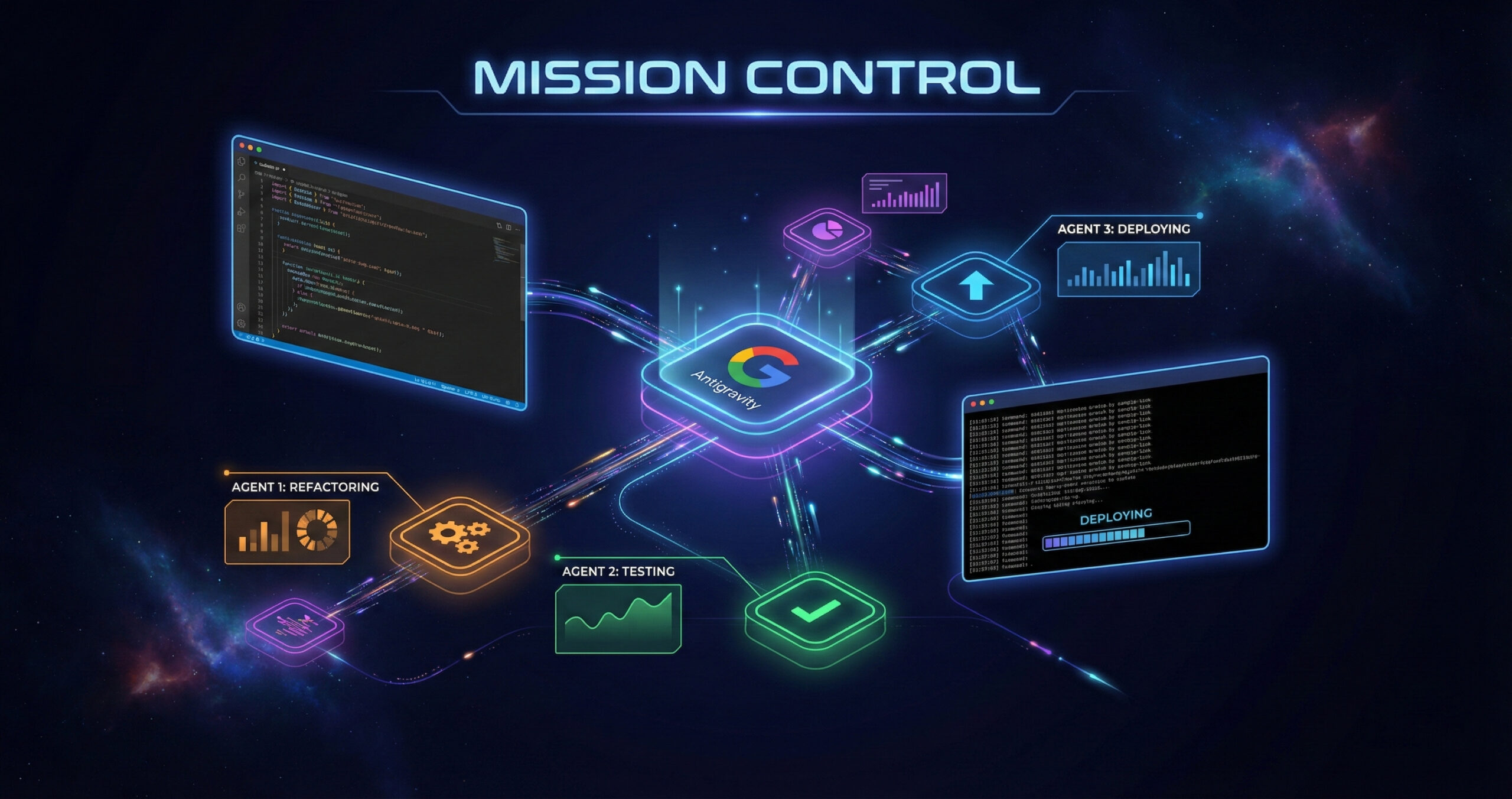
Google Antigravity stands apart because it moves beyond suggestion-based coding. It replaces manual input with autonomous agents that understand intent, perform actions, and validate results. This shift transforms development into a collaborative process between human logic and machine precision.
Is it just another AI tool?
No, it is not just another AI tool. Many tools today help write code faster and suggest small snippets easily. Antigravity takes a larger step forward and expands how developers think. Google describes it as not just a clever editor feature, but an entire platform where agents plan, execute, and verify tasks together. Instead of saying, “Here is the next line,” it confidently says, “Here is the next mission.”
How does the “agent-first” platform work?
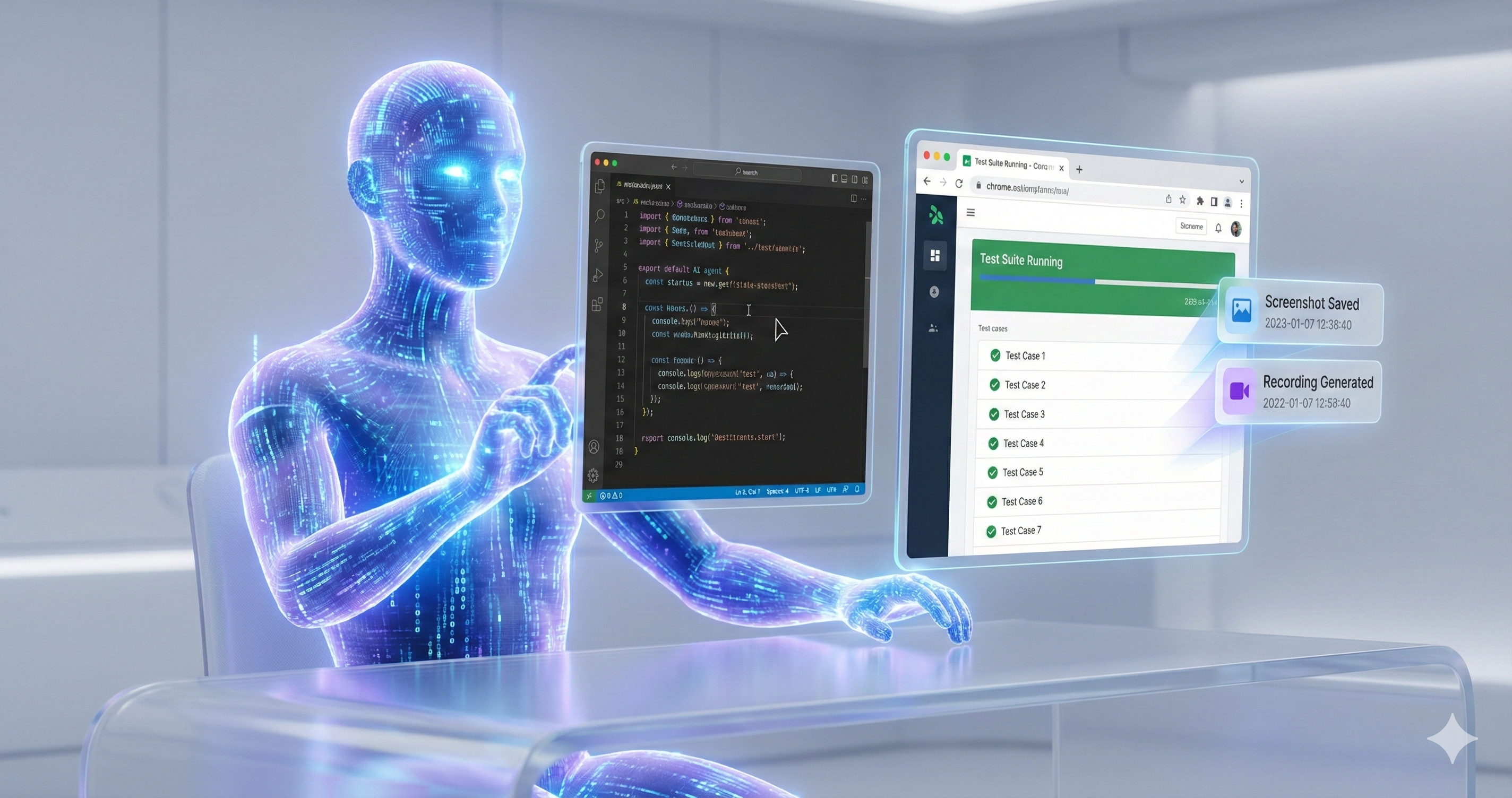
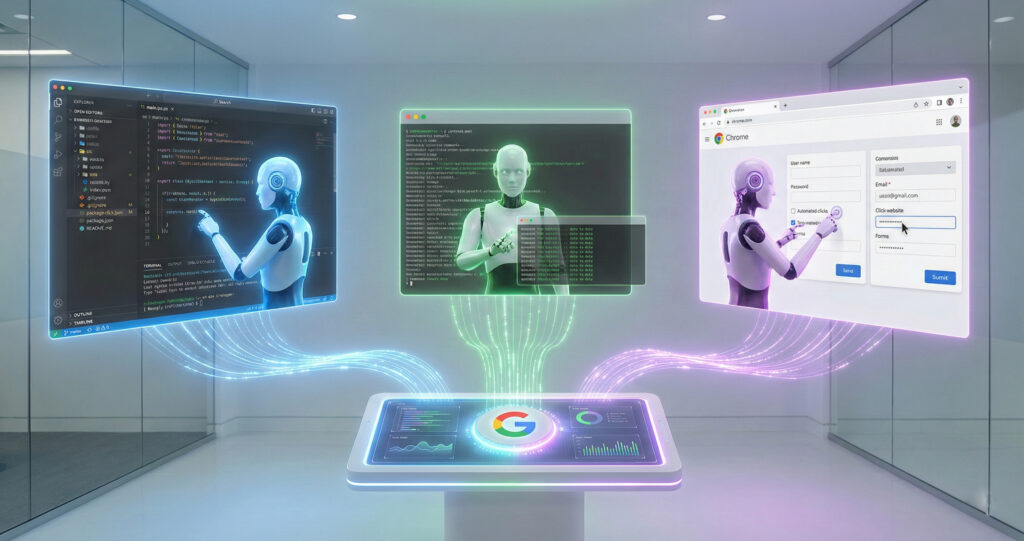
In this system, the developer becomes the conductor and leads the whole process. Agents act as the musicians and respond with precise control. They have access not just to a code editor, but also to the terminal and browser. They can open tools, run tests, and deliver proof of what they did with structure. Google calls these proofs “Artifacts,” and they may include screenshots, logs, and videos. (antigravity.google)
Why did Google build this now?
The pieces were ready, and technology had matured enough. Advanced models like Gemini 3 Pro power the system and follow complex tasks efficiently. Editors and development workflows are mature and ready to adapt quickly. What was needed was a shift from “assist me” to “do it automatically,” and this moment marks that shift clearly.
How Does Google Antigravity Actually Work?
Antigravity functions as an “agentic platform” built around Gemini models. It allows software agents to plan, execute, and test code across a unified workspace. The system coordinates between the editor, terminal, and browser to perform complex development tasks seamlessly.
What are the two main views?
The platform provides two core views: the Editor View and the Manager Surface. The Editor View supports hands-on coding and debugging, while the Manager Surface allows multiple agents to be launched, monitored, and directed across workspaces simultaneously.
What happens in the Editor View?
This is the familiar IDE, and it feels re-imagined. Code can be typed, edited, and adjusted with hands-on control and balance. Agents are visible in a side panel, and can be instructed to perform tasks precisely.
What does the Manager Surface do?
This is the area where coordination occurs, and structure takes form. Multiple agents can be launched and observed as they work across different tasks asynchronously. They operate in different workspaces and follow commands efficiently. It functions as a mission control centre for software and ensures smooth execution.
How do the AI agents operate?
AI agents receive clear goals, interpret them into subtasks, and perform actions within the environment. They write code, run commands, conduct browser checks, and record outcomes as “Artifacts.” These artifacts serve as proof of execution and maintain transparency.
How do they plan and execute tasks?
A higher-level intent is given, and the agent understands the process. The instruction may be: “Refactor this module, add tests, deploy to staging.” The agent divides it into subtasks, opens the terminal, edits code, and verifies results through the browser carefully.
What are “Artifacts” and why do they matter?
These are the deliverables of the agents, and they hold value. They include task lists, implementation plans, screenshots, and recordings for validation. They create trust and ensure clarity for review. It is essential to know what happened, and not only that something happened. (antigravity.google)
What Can Be Done With It?
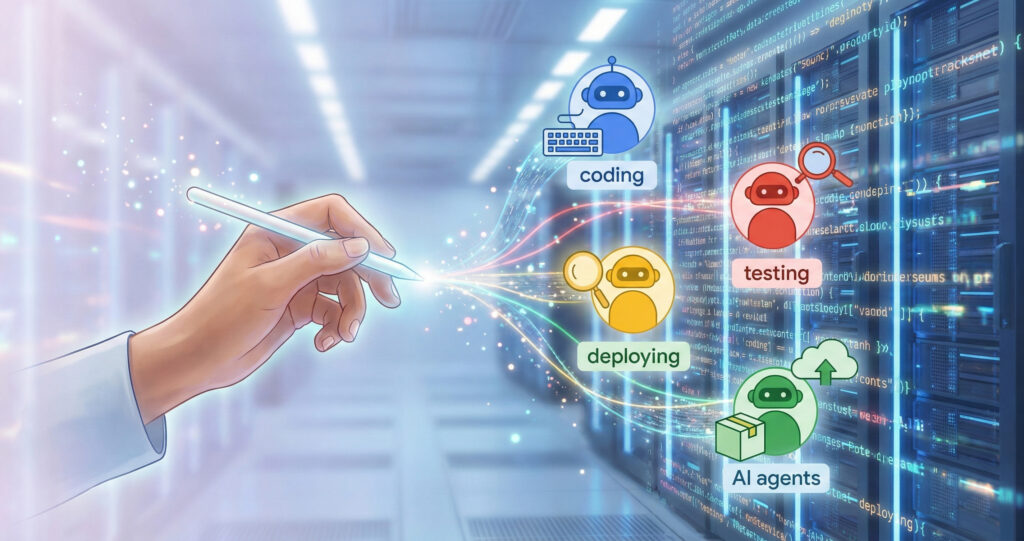
Google Antigravity can automate code generation, testing, and deployment. It supports large-scale collaboration, reduces context switching, and handles complex multi-step operations. Its versatility extends beyond development into automation, research, and system management.
How can developers use it daily?
Developers can delegate tasks like debugging, UI adjustments, and integration testing to agents. Instead of managing repetitive commands, they can focus on reviewing outputs and refining logic. This creates a faster, smoother, and more structured workflow.
Can it build or fix code automatically?
Yes, it can build and fix code automatically. An agent can be instructed to “Write the new feature, test it, commit & push.” It does this by running code, executing commands, opening the browser, and displaying results neatly.
Can it handle testing and deployment?
Yes, it can handle both testing and deployment. End-to-end workflows are supported, and the system manages the process seamlessly. It goes from code to testing to browser verification accurately. Manual switching between tools becomes unnecessary, and the flow stays consistent.
Are there non-coding use cases too?
Yes, there are many non-coding use cases available. While the core remains software development, the principle extends to broader functions. For example, it can “Scan this folder, categorize files, generate report,” or “Update UI theme, screenshot results.” Any task that spans tools and requires orchestration can be executed clearly.
Why Does Google Antigravity Matter?
It represents a major shift in how software is built and managed. Developers move from manual coding to orchestration and oversight. The technology encourages efficiency, scalability, and creative focus in engineering environments.
How does it change the developer’s role?
Instead of being an operator, the developer becomes an idea-setter and reviewer. Objectives are defined, and outcomes are reviewed thoroughly. The heavy lifting is delegated properly, and the workflow gains structure. That shift matters deeply and transforms how teams function.
Does it compete with tools like Copilot?
Yes and no, depending on the goal. Tools like GitHub Copilot or inline AI assist in writing code efficiently. Antigravity goes further and builds the code, executes it, and verifies it accurately. The dynamic changes completely and shift toward automation.
What are the real benefits for teams?
- Less context switching occurs across editor, browser, and terminal.
- Parallel agent workflows increase speed, and efficiency improves naturally.
- Agents generate artifacts and records and create traceability effectively.
- The workflow promotes an “architect” mindset and reduces repetitive effort.
What Are the Limitations Right Now?
Antigravity remains in its public preview stage. It still requires human review, careful instruction, and trust-building. Some workflows may feel experimental, and agent coordination can occasionally produce unexpected results.
Do human reviewers still need to check things?
Yes. Even with smart agents, human oversight remains essential because autonomous code tools often produce insecure, flawed, or context-blind code.
What challenges might developers face?
- AI-generated code may repeat vulnerable or deprecated patterns and introduce security holes.
- Dependencies suggested by agents can be unsafe or non-existent, risking supply-chain or deployment failures.
- Agents lack a deep understanding of business context, compliance rules, or edge-case logic, leading to unpredictable bugs or design flaws.
In short, the convenience of automation arrives with trade-offs: security, clarity, and stability still demand careful human judgment.
How Can Google Antigravity Be Started?
Getting started involves visiting the official site, downloading the version for the preferred operating system, and following Google’s Codelab guide. Once installed, users can explore features, launch agents, and test their first automated tasks.
Where can the product be accessed?
Visit the official site, antigravity.google, and download the public preview for the preferred operating system.
What are the setup steps?
- Download the version for Windows, macOS, or Linux carefully.
- Sign in with a Google account, and confirm access permission.
- Launch the application, choose a workspace, and start the tutorial immediately.
- Try a basic task such as modifying a file, running tests, and viewing results confidently.
What tutorials or Codelabs exist?
Google Codelabs provides a detailed, hands-on walkthrough for installation and use cases related to Antigravity. It allows developers to practice easily and learn in real time.
What’s Next for Agentic Development?
Agentic development is expected to evolve beyond coding. Future versions may extend into design, research, and data-driven tasks. The goal is to create a world where intelligent agents collaborate across disciplines, turning abstract goals into functional results.
How could this shape the future of coding?
The focus of development is shifting steadily, and doing so with reason. It moves from “typing many lines” to “defining goals for many lines.” Developers will focus on strategy and design, and agents will handle repetition efficiently. Human effort will move toward vision, and creativity will expand.
Will it expand beyond software development?
Yes, it will expand beyond software development easily. The central idea—agents acting across tools to achieve a goal—can apply to data analysis and automation. It can also apply to design workflows and structured content systems. At present, it focuses on code, and the pattern is set to grow broadly.
Final Thoughts
The question remains whether Google Antigravity represents the future of development or only an experiment. Evidence suggests it points toward the future and signals an evolution. For teams and developers ready to evolve, it offers a significant leap. Those working in production environments that prioritize stability may prefer to wait and observe progress patiently.












It’s exciting to think about how Google Antigravity could reshape the development process. By automating tasks like bug fixing and cross-browser testing, developers could spend more time focusing on solving complex problems rather than dealing with repetitive tasks.
It’s amazing to think that AI could soon handle tasks like designing and debugging websites autonomously. While this could make development more efficient, it also raises questions about the future of developer roles and skillsets.
Google’s Agentic platform sounds like a game-changer for developers. The ability for AI to autonomously handle tasks like building and testing a login screen could massively speed up the development cycle. What kind of impact do you think this will have on smaller development teams who might not have as many resources?
The way you describe Antigravity functioning like an autonomous teammate really highlights how quickly agentic development is moving from theory to something practical. What I find most interesting is how these systems may change the role of developers—from writing every line of code to orchestrating tasks and validating outcomes. It’ll be exciting to see how teams adapt as tools like this become more capable and integrated into everyday workflows.