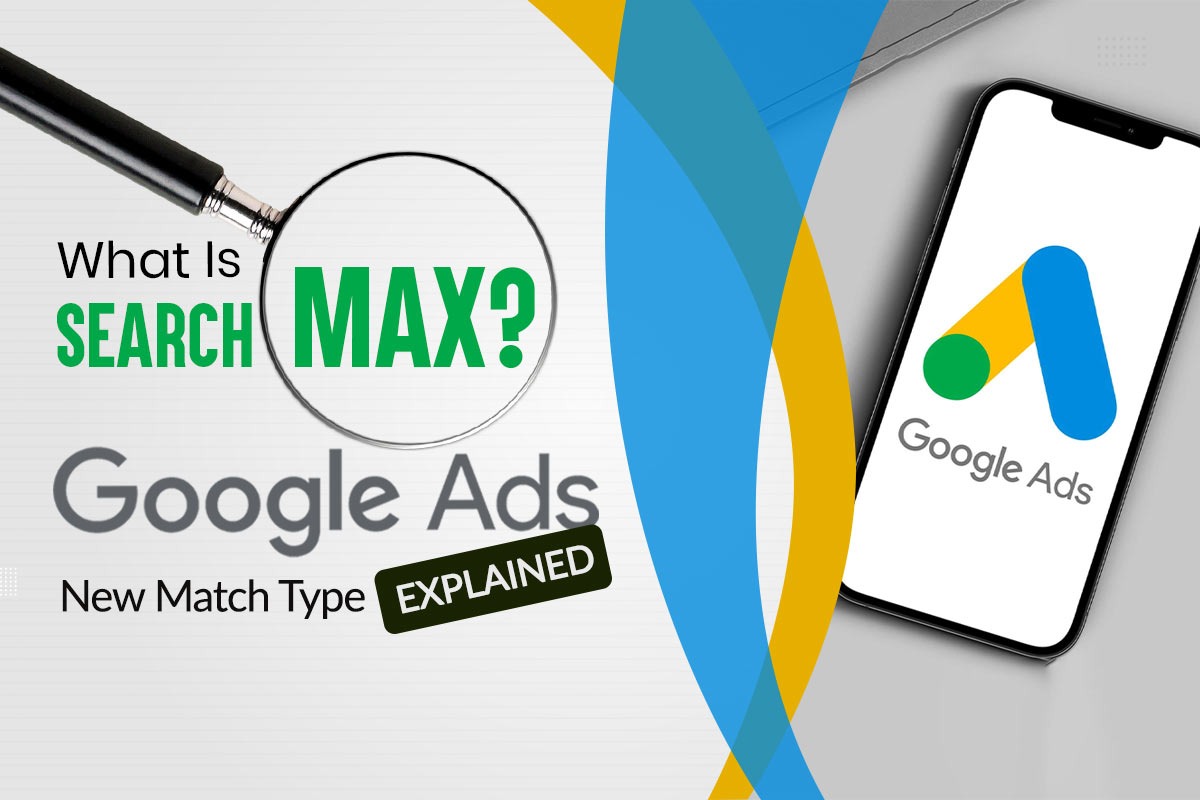
Search Max is Google Ads’ new AI-powered match type, combining elements of Broad Match, Performance Max, and Dynamic Search Ads. This post explores what it is, how it works, and how you can prepare.
- What’s Happening: Google Ads Search Max Emerges
- What We Know About Google Ads Search Max
- Why is Google (Potentially) Exploring Something Like Search Max?
- How Does Google Ads Search Max Work?
- Key Differences Between Search Max and Existing Match Types
- Google Ads Search Max Features
- How to Change Keyword Match Types in Google Ads
- Benefits of Google Ads Search Max Match Type
- Tips for Using Google Ads Search Max
- Understanding Google Ads Match Types
- Adapting Advertising Strategies for Success with Search Max
- Why Learning Keyword Match Types = Better Ad Performance
Wondering what “Google Ads Search Max is?” You’re not alone. This new match type in Google Ads, in a closed beta as of April 8, 2025, is generating buzz among advertisers. Google Ads Search Max blends AI and automation to rethink search campaigns, and while full details are still under wraps, it’s a shift worth exploring.
Disclaimer: The info here is based on beta reports and industry trends—expect updates as Google reveals more.
With bullet points, tables, and practical tips, this blog covers what’s happening, what we know, and why learning keyword match types = better ad performance. Let’s dive in.
What’s Happening: Google Ads Search Max Emerges
Google Ads is evolving, and Search Max is at the forefront. Here’s a quick look at what’s going on:
- Closed Beta Rollout: Available to a select group of advertisers.
- Automation Push: This builds on Google’s AI-driven tool trend.
- Fresh Approach: Aims to simplify targeting and boost reach.
Note: Search Max is still in closed beta. Unless you’ve been invited as a tester, you won’t see it in your Google Ads account yet.
The buzz is growing—let’s unpack what we know so far.
What We Know About Google Ads Search Max
So, what is Google Ads Search Max? It’s a new match type—but with a twist:
- Beta Phase: Search Max is in a closed beta, limited to testers.
- Hybrid Concept: Reported to mix Broad Match, Performance Max, and Dynamic Search Ads.
- AI-Driven: Uses machine learning for targeting and delivery.
[/fusion_text][fusion_table fusion_table_type=”1″ fusion_table_rows=”4″ fusion_table_columns=”2″ hide_on_mobile=”small-visibility,medium-visibility,large-visibility” class=”” id=”” animation_type=”” animation_direction=”left” animation_speed=”0.3″ animation_offset=””]
| Aspect | Details |
|---|---|
| Availability | Closed beta, selected advertisers |
| Tech | Google’s AI |
| Purpose | Enhance reach and relevance |
It’s early, but the potential is clear.
Why is Google (Potentially) Exploring Something Like Search Max?
- AI-first search shift – Aligns with SGE and AI Overview direction.
- Better ad inventory use – Unlocks more placements across channels.
- Smart targeting & automation – Merges intent, audience, and machine learning.
- Simplified campaigns – Easier setup for small/new advertisers.
- Monetizes AI results – Fits ads into AI-generated answers.
- Competes with Meta – Adapts to outcome-driven ad trends.
- Future-proofing – Tests ad models for the AI-powered future.
How Does Google Ads Search Max Work?
Let’s get into the engine of Google Ads Search Max—it’s all about intelligent automation:
- Search Term Matching: Targets beyond keywords, focusing on intent.
- Text Optimization: Reported to tweak ad copy dynamically.
- URL Optimization: Picks landing pages for relevance.
| Feature | Reported Function |
|---|---|
| Search Matching | Broadens query reach |
| Text Optimization | Tailor ad content |
| URL Optimization | Aligns landing pages |
Together, this trio—search, term matching, and text & URL optimization—makes up its competitive edge.
Key Differences Between Search Max and Existing Match Types
To optimize campaigns with Google Ads Search Max, you need to understand how it compares:
- Broad Match
Wide reach, low control.
Search Max Potential: Smarter targeting. - Phrase Match
Balanced reach, moderate control.
Search Max Potential: More flexible scope. - Exact Match
Narrow, high control.
Search Max Potential: Broader reach. - Performance Max
Multi-channel, fully automated.
Search Max Potential: Search-specific.
Clarification: Unlike Performance Max—which runs across multiple Google channels (Display, YouTube, Gmail, etc.)—Search Max appears focused specifically on Search campaigns but with smarter automation and expanded reach.
| Match Type | Reach | Control | Search Max Potential |
|---|---|---|---|
| Broad | High | Low | Smarter matching |
| Phrase | Medium | Medium | Wider targeting |
| Exact | Low | High | More scale |
| Performance Max | High | Low | Search-focused |
Google Ads Search Max Features
These are the Google Ads Search Max features being talked about in the beta:
- Dynamic Ads: Real-time copy adjustments.
- Query Expansion: Targets broader searches.
- Landing Page AI: Selects relevant URLs.
- Bidding Sync: Pairs with automated bidding.
| Feature | Reported Benefit |
|---|---|
| Dynamic Ads | Keeps ads relevant |
| Query Expansion | Reaches new users |
| Landing Page AI | Matches user needs |
| Bidding Sync | Streamlines efficiency |
These tools offer a more intelligent and flexible way to target users.
How to Change Keyword Match Types in Google Ads
While Search Max is in a closed beta, you can prepare by knowing how to change keyword match types:
- Log In: Open Google Ads and go to “Keywords.”
- Select: Pick your campaign or ad group.
- Edit: Adjust “Match Type.”
- Choose: Broad, Phrase, Exact—or Search Max when available.
- Save: Monitor Search Terms.
| Step | Action |
|---|---|
| Log In | Access Google Ads |
| Select | Choose campaign |
| Edit | Adjust match type |
| Save | Track results |
Once available, Search Max will likely be integrated into this flow.
Benefits of Google Ads Search Max Match Type
Let’s go over the benefits of Google Ads Search Max match type:
- Wider Reach: May show ads to more users.
- Less Effort: Could simplify targeting.
- Better Fit: Aims for relevant ads.
- Cost Control: This might cut wasted clicks.
| Benefit | Potential Impact |
|---|---|
| Reach | More visibility |
| Effort | Easier setup |
| Fit | Higher relevance |
| Cost | Smarter spend |
The automation might help advertisers streamline workflows and spend smarter.
Tips for Using Google Ads Search Max
Try these tips for using Google Ads Search Max to get better results:
- Start Small: Test in one campaign.
- Use Negatives: Block irrelevant terms.
- Check Reports: Review Search Terms regularly.
- Leverage Bidding: Use automated strategies.
- Adapt Ads: Keep copy flexible.
| Tip | Why It Helps |
|---|---|
| Start Small | Limits risk |
| Negatives | Refines focus |
| Reports | Tracks performance |
| Bidding | Boosts efficiency |
| Adapt Ads | Fits AI tweaks |
Small changes can make a big difference with automation-driven tools.
Understanding Google Ads Match Types
To use Search Max effectively, you need to understand existing match types:
- Broad: Wide reach, less precision.
- Phrase: Balanced targeting.
- Exact: High accuracy, low scale.
- Negative: Filters unwanted traffic.
| Type | Strength |
|---|---|
| Broad | Broad exposure |
| Phrase | Controlled reach |
| Exact | Precision |
| Negative | Refinement |
Search Max builds on these foundations by layering in AI and automation.
Adapting Advertising Strategies for Success with Search Max
How can you start adapting advertising strategies for success with Search Max?
- Intent Focus: Target goals over keywords.
- Test It: Compare with other types.
- Page Prep: Optimize landing pages.
- Track Results: Use data to tweak.
| Strategy | How to Adapt |
|---|---|
| Intent Focus | Goal-based targeting |
| Test It | Run comparisons |
| Page Prep | Strong URLs |
| Track Results | Data-driven tweaks |
Being nimble and data-informed will be critical to success.
Why Learning Keyword Match Types = Better Ad Performance
Ultimately, learning keyword match types = better ad performance. Here’s why:
- Targeting: Hits the right audience.
- Efficiency: It saves effort and budget.
- Prep: Readies you for tools like Search Max.
| Reason | Outcome |
|---|---|
| Targeting | Relevant clicks |
| Efficiency | Smarter use |
| Prep | Tool readiness |
Conclusion: Prep for Google Ads Search Max
Google Ads Search Max is a bold new match type, mixing AI with search, term matching, and text & URL optimization. Though still in closed beta, it hints at a smarter future for advertisers. Start preparing now—master match types, tweak campaigns, and stay ready for when it goes live.
A new match type in closed beta, blending AI and automation.
Reported to use search term matching, text, and URL optimization.
Only in beta now—stay tuned for wider access.
No, it’s in closed beta. Only accessible to selected advertisers.
Focuses on intent, not just keywords. Uses machine learning for smarter matching.
Yes, it dynamically selects the most relevant URLs. Optimizes user journey automatically.
Less manual control. AI handles much of the decision-making.
- Search Max: Search-only focus.
- Performance Max: Multi-channel automation.
- Wider reach
- Higher relevance
- Lower manual effort
- Potential cost savings
Yes, negatives still help refine traffic. Recommended for better control.
No—test it alongside other types. Start small and analyze results.
- Master current match types
- Optimize landing pages
- Use smart bidding
- Monitor search terms closely
Mostly, yes. Automates targeting, ad copy, and URL selection.
Not yet. Will likely integrate into existing keyword setup flow.
Dynamically adjusts text for relevance and intent. Similar to responsive search ads.
Not immediately. It’s more of an evolution than a replacement.
E-commerce, services, local businesses. Any brand looking for scalable search automation.
Smarter targeting may lower wasted spend.
Yes, especially for negatives and intent mapping. AI complements, doesn’t replace strategy.
Use the Search Terms Report. Watch metrics like CTR, CPC conversions.
Likely optimized for automated bidding strategies. Manual bidding may not be ideal.
Combines reach and relevance. Uses AI to simplify search campaign management.