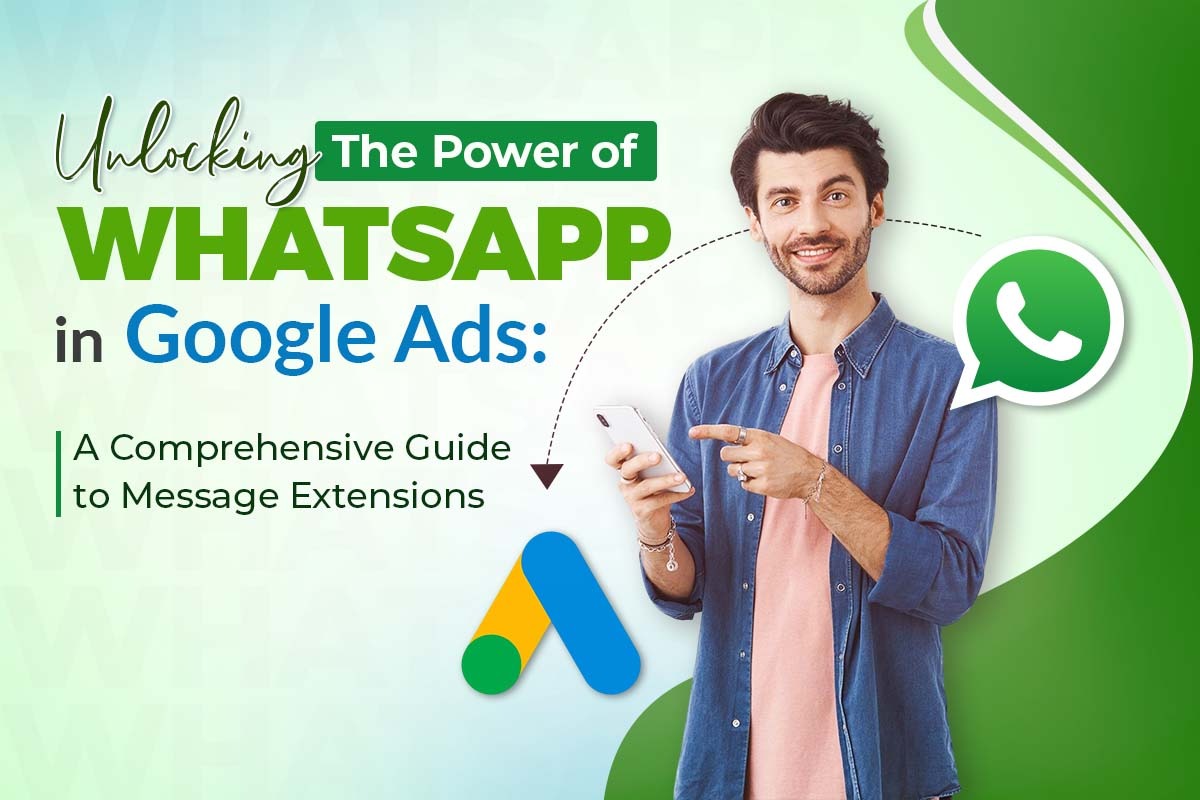
What is the WhatsApp Message Extension in Google Ads?
With the help of the WhatsApp message extension in Google Ads, businesses can reach out to customers via WhatsApp.
- It allows real-time connection with customers.
- Users can stay on the platform without clicking on the ad to inquire about the product or service.
The Rise of Messaging Apps in Marketing.
WhatsApp is a popular messaging application with 2.5 billion active users now. The customer base using messaging apps keeps expanding, so businesses should use WhatsApp as one of their tools to interact with their clients.
- Research shows that 67% of consumers choose messaging applications, including WhatsApp, to interact with businesses.
- 66% of users have made purchases after interacting with a brand on WhatsApp.
- Numerous businesses report improved customer engagement through WhatsApp marketing.
- WhatsApp functions as an excellent customer touchpoint because it is installed by numerous smartphone users worldwide.
- Mobile messaging traffic worldwide shows that WhatsApp controls extensive digital communication networks.
- Each day, approximately 175 million individuals engage in business communications through WhatsApp.
How to Set Up WhatsApp Message Assets.
- How can I integrate WhatsApp with Google Ads?
Setting up WhatsApp message assets within Google Ads is simple. Here’s how:
Install the WhatsApp Business application.
- Download & Register: Install the WhatsApp Business app and sign up with a business number.
- Set Up Profile: Add business details like name, logo, and contact info.
- Enable Messaging: Use quick replies, automated messages, and labels for efficiency.
Create a WhatsApp Business Account
- Ensure it is verified. A verified WhatsApp Business account enhances trust and credibility.
- WhatsApp Business API can increase customer satisfaction.
- Verified WhatsApp Business accounts enhance customer trust.
- Brands with verified WhatsApp Business accounts see a significant increase in response rates.
- Businesses using WhatsApp Business experience a considerable increase in inbound customer inquiries.
How to Add a WhatsApp Number to Your Google Ads Campaign?
To integrate WhatsApp with Google Ads:
- Go to your Google Ads account.
- Select Message Extensions from the Extensions tab.
- Add your WhatsApp number.
With this simple process, one can easily link WhatsApp with Google Ads. This is almost like super powering any ad campaign as:
- WhatsApp messages have a 98% open rate, significantly higher than email.
- 72% of consumers prefer engaging with businesses via WhatsApp over traditional channels.
Businesses linking WhatsApp to Google Ads experience growth in direct customer engagement.
Set Up Automated Replies
Automated replies help manage initial inquiries efficiently.
- Organizations that implement WhatsApp customer service see their conversion rate improve by many folds.
- A system of automated responses speeds up response time.
- The implementation of WhatsApp bots enables organizations to manage 80% of basic customer inquiries so they can work more effectively.
Google Ads WhatsApp Business API Integration
- What It Is: A connection between Google Ads and the WhatsApp Business API for direct customer engagement.
- How It Works: Ads with WhatsApp message extensions let users chat instantly via WhatsApp.
- How It’s Used: Businesses automate replies, capture leads, and improve conversions with WhatsApp messaging.
Integrate WhatsApp Business API
- Set Up WhatsApp Business API: Apply for API access and verify your WhatsApp Business account (use a solution provider if needed).
- Link to Google Ads: Add a Message Extension in Google Ads with your WhatsApp Business number.
- Automate & Track: There are tools available for automating and tracking conversions in Google Ads.
For CRM integration:
- Set Up WhatsApp Business API: Get API access and connect it with a CRM that supports WhatsApp.
- Link to CRM: Use available integrations or official WhatsApp BSPs to sync messages and contacts.
- Automate & Track: Enable auto-replies, store chat history, and analyze customer interactions within the CRM.
For advanced automation and CRM integration, the WhatsApp Business API is a must.
- Brands using the WhatsApp Business API see a boost in customer retention.
- Most online businesses use WhatsApp API to manage large-scale customer interactions.
- WhatsApp Business API supports seamless integration with CRM tools for better data tracking.
Benefits of Using WhatsApp in Google Ads
What are the benefits of WhatsApp message extensions in Google Ads?
1. Higher Conversion Rates
WhatsApp’s interactive features drive better conversion rates compared to traditional channels.
- Click-to-WhatsApp ads have a higher conversion rate than standard display ads.
- Personalized WhatsApp messages increase conversion rates.
- WhatsApp has a 45-60% response rate, better than email and SMS.
- Interactive messaging campaigns on WhatsApp boost engagement by many folds.
2. Lower Customer Acquisition Costs
- Businesses achieve substantially reduced costs associated with new customer acquisition through their WhatsApp marketing initiatives.
- Businesses that employ WhatsApp for customer communications can cut their marketing cost allocation.
- Increased Target Audience Reach
- The worldwide presence of WhatsApp provides simple communication access to different market segments. Through WhatsApp, companies can enter all worldwide markets without obstacles.
- The implementation of custom WhatsApp messaging strategies increases the rate at which customers convert.
- The WhatsApp Business application serves more than 180 countries worldwide to enhance their marketing and connect with customers.
- The implementation of multilingual chatbots through WhatsApp enables organizations to interact with various groups of customers throughout the world.
- Enhanced Customer Loyalty
- How do WhatsApp message extensions improve customer engagement?
The engagement of customers through WhatsApp operations creates brand loyalty alongside repeated customer purchase behaviors.
WhatsApp-based campaigns reduce marketing expenses and increase efficiency.
- Customer acquisition via WhatsApp costs much less than traditional ad campaigns.
- WhatsApp reduces customer service costs through automation.
- WhatsApp-based campaigns can reduce acquisition costs significantly.
- Using WhatsApp for customer engagement can lower marketing expenses.
How Do You Add Message Assets to New & Existing Campaigns?
- For new campaigns: Include message extensions during setup.
For existing campaigns:
- Navigate to the Extensions tab.
- Select Message Extensions.
- Adjust messaging based on performance data to optimize conversions.
Best Practices for Google Ads Message Assets with WhatsApp Setup
To maximize the impact of WhatsApp message extensions, follow these best practices:
- Make Messages Clear & Engaging: Well-crafted WhatsApp messages improve click-through rates.
- Use Interactive Elements: Messages with emojis and interactive buttons boost engagement.
- Personalize Customer Interactions: Adding personalization increases click-through rates.
- Leverage Time-Sensitive Promotions: Urgent offers generate significantly more engagement.
Conclusion
Utilizing WhatsApp and Google Ads through Message Extensions allows businesses to level up digital marketing. Here’s how to do it. If businesses use techniques of real-time engagement and automation, they will get better conversions, lower acquisition costs, and stronger customer loyalty.
Start using WhatsApp Message Extensions today to supercharge your Google Ads performance and stay ahead of the competition!
Future Prospects
The WhatsApp-Google Ads integration is poised to revolutionize marketing in the coming years. Early adopters will gain a competitive edge.
- Most businesses believe that WhatsApp marketing will be essential within the next three years.
- By 2027, WhatsApp marketing is projected to contribute a huge section of the total digital ad revenue.
Advancements in AI-driven WhatsApp automation will further enhance campaign success, making it a must-have tool for businesses worldwide.
Frequently asked questions
- Create and verify a WhatsApp Business account.
- Link WhatsApp to Google Ads Message Extensions.
- Set up automated replies for instant responses.
- Use WhatsApp Business API for automation and tracking.
- Use click-to-WhatsApp ads to drive traffic.
- Implement lead forms within WhatsApp messages.
- Automate follow-ups with chatbots and templates.
- Personalize WhatsApp messages to improve conversion rates.
- This feature enables business lead collection through WhatsApp conversations that users start by clicking on an advertisement.
- Through the Google ad click, users initiate WhatsApp communication to complete a lead form.
- Fundamental business benefit includes audience involvement enhancement with streamlined contact form acquisition that results in a higher conversion percentage.
- 45-60% response rate, higher than SMS & email.
- Significantly higher conversion rates with personalized WhatsApp messaging.
- Click-to-WhatsApp ads perform a lot better than display ads.