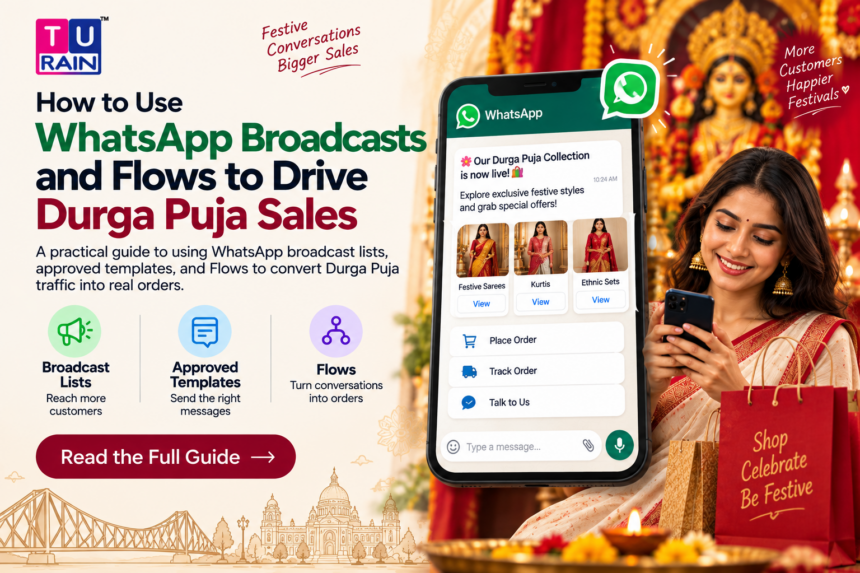
Durga Puja does something to Kolkata that no other festival quite manages.
Shops extend hours. Delivery apps brace for surge orders. And every retailer with a customer base suddenly remembers they have a WhatsApp number nobody’s used properly since last Puja. This year, the main days fall around 17th–21st October 2026, with Mahalaya landing on 10th October — so the real festive shopping window opens well before that, sometime in late September.
Here’s the problem most businesses run into. They open WhatsApp Business, hit broadcast, and assume that’s the strategy. It isn’t. Not fully, anyway. WhatsApp actually gives you three distinct tools for this — broadcast lists, approved message templates through the Business API, and Flows — and each does a different job. Mixing them up costs businesses reach, money, or both.
How Does WhatsApp Broadcast Marketing Work for Businesses?
Start with the free WhatsApp Business app’s broadcast feature, because this is where the confusion usually begins.
A broadcast list lets you send one message to up to 256 contacts at once, each as a private one-to-one chat. Sounds useful. There’s a catch, though, and it’s a big one: the message only reaches people who already have your number saved in their phone contacts. No save, no delivery — and WhatsApp won’t tell you it failed. It just silently doesn’t land.
For a neighbourhood sweet shop with 150 regulars who’ve saved the number for order updates, that’s fine. For a retailer trying to reach 5,000 leads collected through a festive ad campaign, it’s close to useless. Most of those numbers haven’t saved you back.
This is exactly the gap the WhatsApp Business Platform — the paid API — was built to close.
Templates: The Actual Engine Behind Festive Campaigns
Once you move to the Business API, the rules change completely, and this is the part worth understanding properly before you spend a single rupee on a Puja campaign.
WhatsApp only lets a business initiate a conversation — meaning, message someone who hasn’t messaged you in the last 24 hours — through a pre-approved template. Meta calls this the 24-hour customer service window. Inside it, you can send anything: free text, images, buttons, product cards, Flows. Outside it, only an approved template gets through.
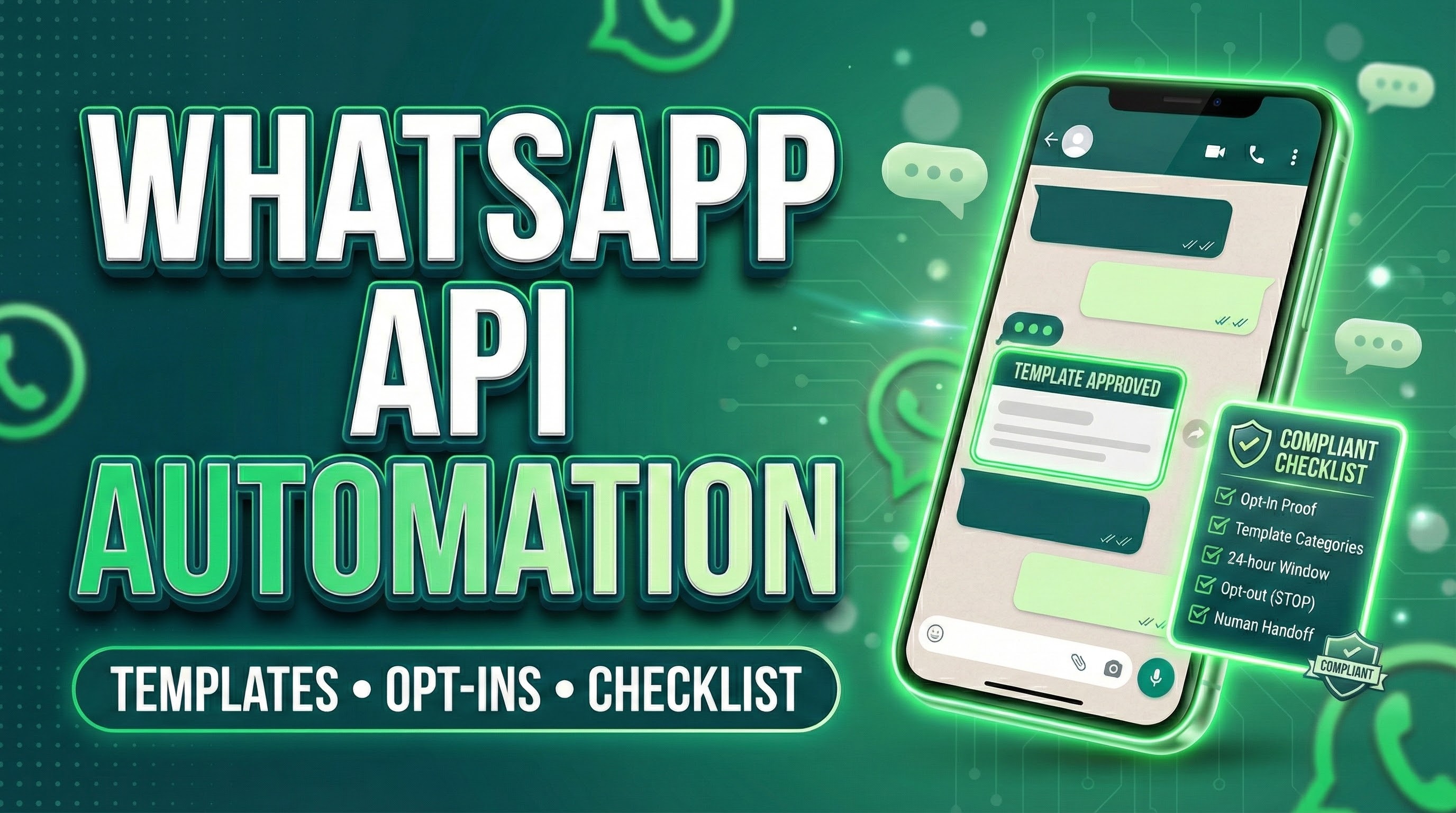
Templates fall into three categories, and picking the right one matters more than the copy itself:
- Marketing — festive offers, new collection drops, discount codes, anything promotional
- Utility — order confirmations, delivery updates, appointment reminders
- Authentication — OTPs and login codes
A Durga Puja discount announcement is a Marketing template. A shipping update for something someone already bought is Utility. Mislabel one as the other and Meta will reject it during review, which typically takes anywhere from a few minutes to 24 hours depending on category and volume.
One thing that changed relatively recently and trips up a lot of businesses still running on old assumptions: since Meta’s move to per-message billing in July 2025, free-form replies inside the 24-hour window don’t cost anything, and Utility templates sent inside that window are also free. Marketing templates get charged regardless of when they’re sent. Know this before budgeting a broadcast to ten thousand numbers.
There’s also a genuinely useful workaround for cold reach. Click-to-WhatsApp ads — the ones that open a chat directly from a Facebook or Instagram ad — open a 72-hour free messaging window the moment someone clicks in. That’s three full days to move a curious shopper from “clicked an ad” to “placed an order,” without touching template billing at all.
Where Flows Actually Change the Game
Templates get the message delivered. Flows are what turn that message into a sale.
WhatsApp Flows let you build a structured, multi-screen mini-form that opens inside the chat itself — no redirect to a website, no app download. A customer taps a button in your festive template, and a native screen appears with dropdowns, product selections, size pickers, address fields, whatever the order needs. They fill it in, submit, and the data lands wherever your backend is listening, cleanly structured, not as a paragraph of typed text you have to decode manually.
For Durga Puja specifically, this maps onto two very concrete retail use cases:
- Catalogue browsing — showcase your festive collection as a browsable product catalogue inside WhatsApp, letting shoppers view items, prices, and descriptions without leaving the chat
- Order forms — once someone picks what they want, a Flow captures size, colour, quantity, delivery address, and payment preference in one guided sequence, instead of a scattered back-and-forth of “do you have this in blue” texts
The completion-rate difference is not trivial. Businesses running Flows instead of external links for lead and order capture have reported completion rates roughly 40–70% higher, simply because there’s no context-switch to a browser, no page-load wait, no “I’ll finish this later” abandonment.
Building an Actual Festive Sequence
Put these three pieces together and a realistic Durga Puja campaign looks something like this:
- Warm up your existing base. Send an opted-in broadcast (via API, not the 256-cap app version) using a Marketing template announcing the festive collection, a week or so before Mahalaya.
- Drive cold traffic through Click-to-WhatsApp ads. This opens the 72-hour free window and puts new leads straight into a live chat, not a landing page.
- Hand them a catalogue Flow immediately. Let them browse and shortlist without leaving WhatsApp.
- Close with an order-form Flow. Capture size, address, and delivery slot in one clean sequence, and pass that data straight into your order system.
- Follow up with Utility templates, not Marketing ones, for confirmations and delivery updates — these are the ones that stay free inside the service window and don’t risk annoying someone who already bought.
Nobody needs five separate tools stitched together with duct tape for this. That’s the appeal.
A Word on Consent, Because This Matters
None of this works, legally or practically, without proper opt-in. Meta’s commerce policy requires that customers have actively agreed to receive messages from a business before you send anything outside the service window — pre-ticked boxes or scraped contact lists don’t count, and repeated violations tank your account’s quality rating fast, throttling delivery for everyone on your list. Collect consent at checkout, on your website, or through an in-store QR code that opens a WhatsApp chat. Keep a record of it. This is not the corner to cut during your busiest season.
The Truth
WhatsApp broadcast isn’t one feature. It’s three, and each solves a different part of the festive sales problem — reaching people, staying compliant while messaging them, and actually letting them buy something without leaving the chat.
Get the sequencing right — broadcast to warm contacts, ads into Flows for cold ones, templates doing the compliance heavy lifting in the background — and Durga Puja stops being a scramble of manual replies and unanswered “is this available” messages. It starts looking like an actual sales channel.
That’s the whole shift. Not more messaging. Better-structured messaging.
Want to Turn WhatsApp Conversations Into Customer Orders?
Build structured WhatsApp Business journeys with messaging, automation and interactive customer experiences designed around your business needs.
Explore Turain‘s WhatsApp Business Solutions
Disclaimer
Platform Policy & Pricing Notice: This guide is for informational and educational purposes only. The features, pricing models, and operational mechanics of the WhatsApp Business Platform (API), including Flows and template categorizations, reflect Meta's platform capabilities as of mid-2026. Meta frequently updates its pricing structures, API access rules, and Business Messaging Policy. Businesses must verify current message rates and ensure all communication strategies strictly comply with local data privacy regulations and Meta's active opt-in requirements before launching festive campaigns.
Frequently Asked Questions
Do WhatsApp Flows work on desktop via WhatsApp Web?
Yes. While Flows were originally heavily optimized for mobile experiences, Meta has expanded their functionality to render on WhatsApp Web and desktop applications. However, since the vast majority of festive retail traffic originates on mobile devices, you should always design and test your Flow UI for smaller smartphone screens first.
What happens if people report my Durga Puja promotional templates as spam?
WhatsApp strictly monitors account Quality Ratings. If a large number of users block or report your Marketing template, your phone number's quality rating will drop to "Yellow" or "Red." If it remains low, Meta will actively throttle your messaging limits (e.g., dropping your daily limit from 100,000 to 10,000) or temporarily suspend your ability to send outbound marketing templates entirely.
Do I need a developer to build a WhatsApp Flow for my catalog?
It depends on your software stack. If you are using the raw WhatsApp Cloud API, you will need developer resources to write the JSON to construct the Flow and handle the webhook responses. However, many official WhatsApp Business Solution Providers (BSPs) and modern CRM platforms now offer drag-and-drop, no-code Flow builders designed specifically for retail and e-commerce use cases.
Official Reference Links
- WhatsApp Business Messaging Policy (Opt-In Requirements): business.whatsapp.com/policy
- WhatsApp Flows Developer Documentation: developers.facebook.com/docs/whatsapp/flows
- Meta Business Help Center – Conversation-Based Pricing: business.whatsapp.com/products/pricing